


Device
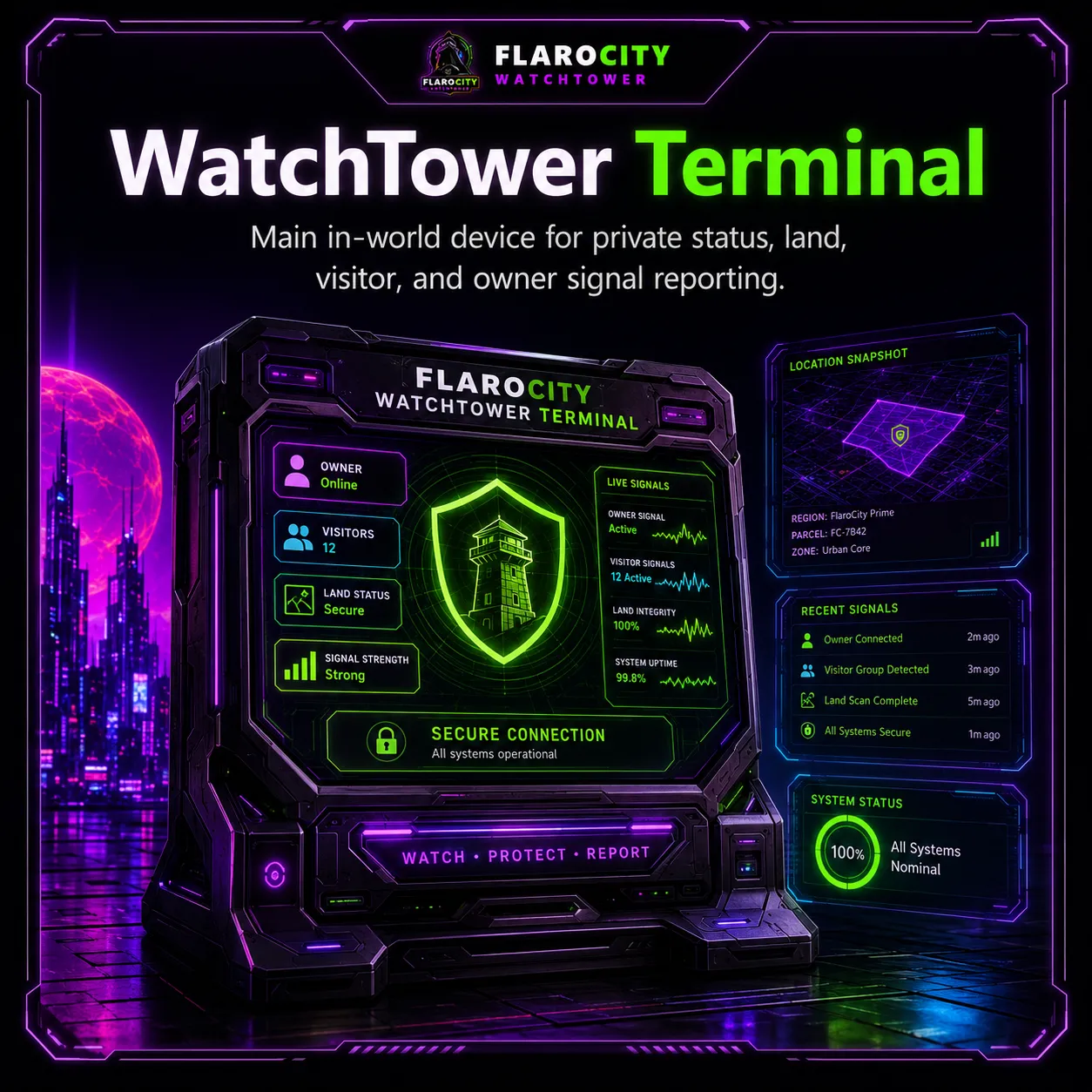
WatchTower Terminal
The main in-world device connects each protected location to the dashboard.
A complete owner-control system for Second Life stores, clubs, parcels, rentals, communities, and private regions that unites reliable live awareness, owner tools, subscription coverage, and permission-safe security workflows.
The main in-world device connects each protected location to the dashboard.

Signals are designed for owner awareness: machines, locations, visitors, events, and health.
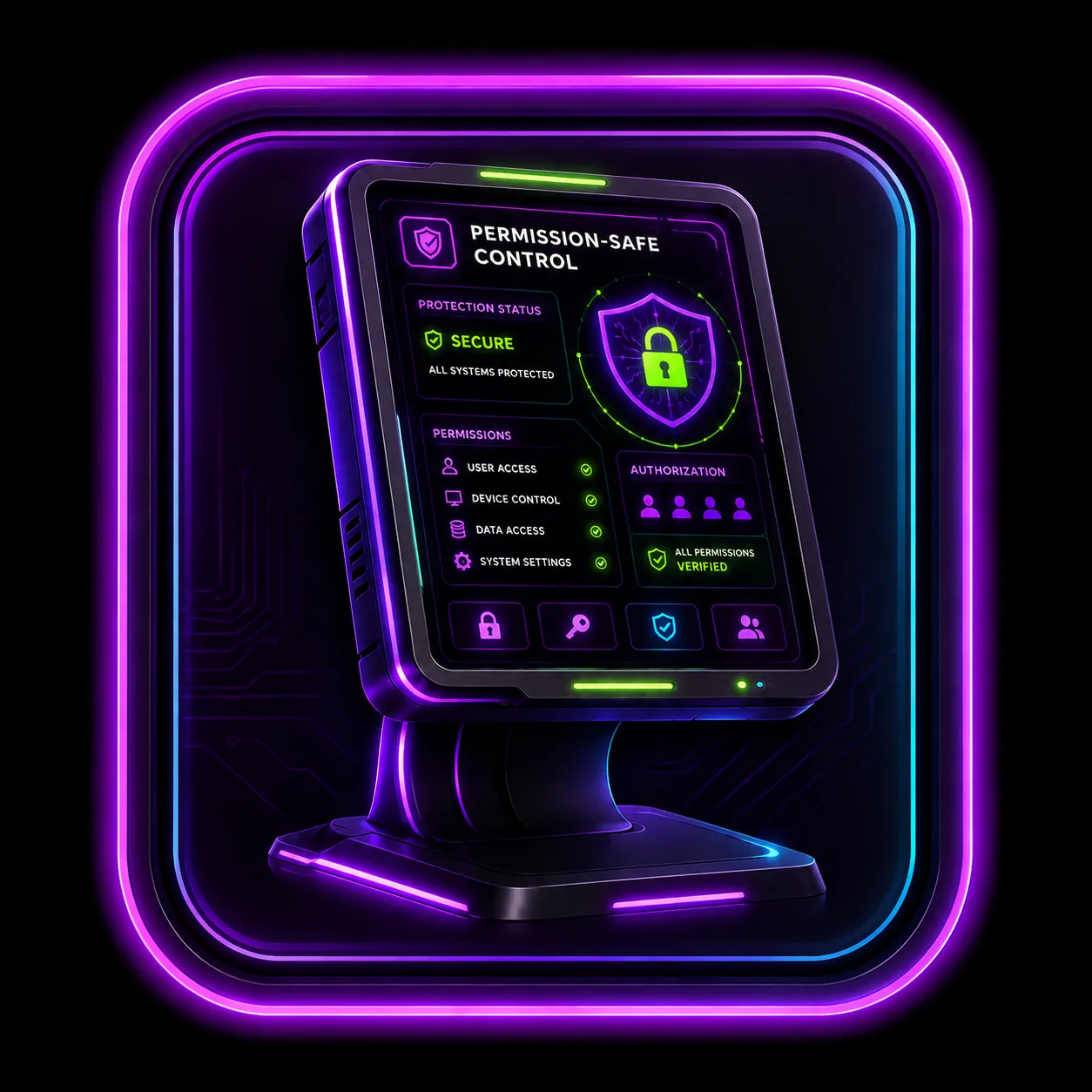
Actions and logs respect Second Life permissions and owner land powers.

Owner accounts can unlock dashboard tools, staff workflows, and location-scoped access.

The main in-world device for each protected location. It registers with the website and sends supported land, visitor, health, and event data.

A new terminal starts offline, uses a private setup key, connects to the correct account, and unlocks after heartbeat.

Events are queued and sent on a safe 5-7 second target without spamming Second Life HTTP.

Reports script version, online state, region FPS, time dilation, lag score, capacity, and last-seen timestamps.

Reports region, parcel, avatar counts, maturity, SLURL, and map tile details where available.

Shows the newest scanner window with parcel-present and region-only avatar dots.

Live overview with freshness labels, machine count, locations, avatar counts, live signal, and map panel.

Fast operations view for machine count, avatar count, refresh rate, queue target, and live avatar signal.
Display name, username, parcel or region presence, position, distance, and last-seen information.

Tracks terminal and payment station status, script version, location, type, and last-seen time.

View each registered place, parcel, region, traffic counts, and land snapshot data.

Logged-in customers can open private tickets and staff can manage requests from the dashboard.
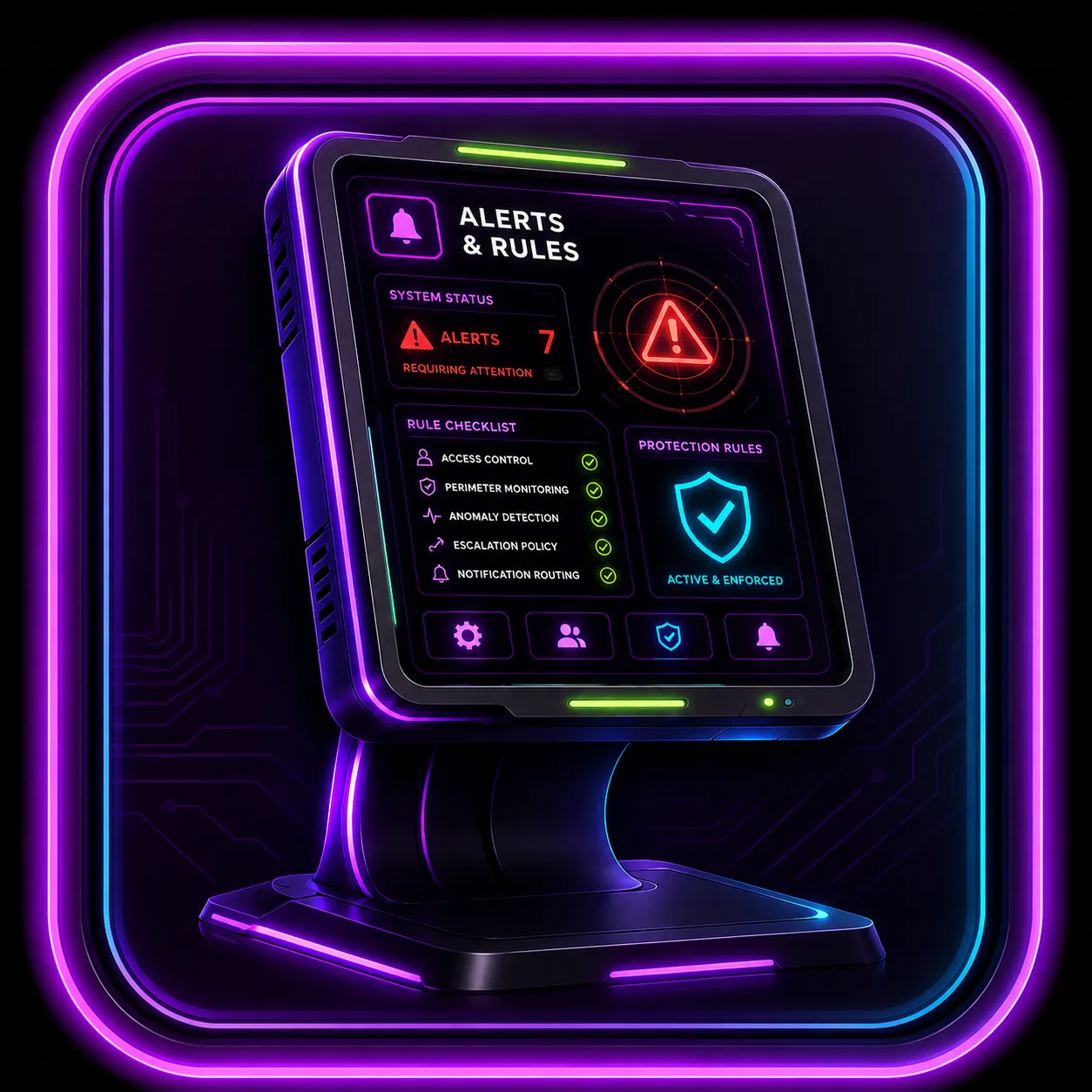
Store a UUID on the website as Block Here or Block Everywhere. A fresh protected-land detection queues the verified eject path, with deduplication and audit history.
Warn sends a private message; Kick uses the verified land-eject action. Both require a fresh eligible WatchTower and the necessary Second Life land authority.

Optional Second Life account-age policy with 15- to 360-day thresholds, a configurable warning, owner/manager exemptions, audit logging, and eject after the warning window.

Optional staff tools for role organization and staff-aware workflows.

Tag avatars as staff, VIP, friend, watchlist, blocked, customer, vendor, or custom labels.

Track approved Second Life UUIDs, current online state, and server-calculated daily, weekly, and monthly online history.

Optional longer-history views for searchable operational records.
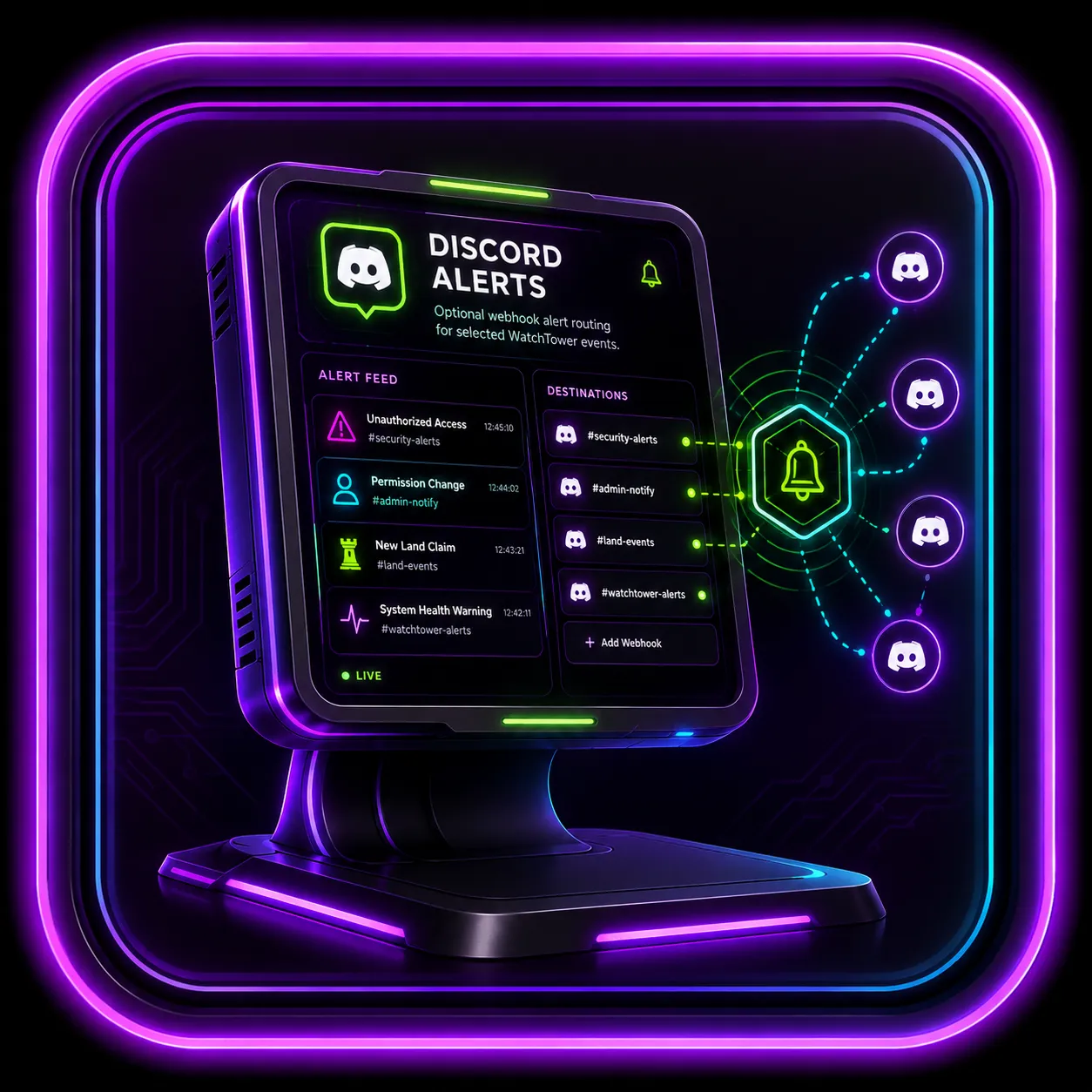
Optional webhook alert routing for selected WatchTower events. Webhooks must remain private.

Optional chat and event relay for selected messages with owner-approved filters and throttles.

Optional branding controls for larger locations, venues, estates, and networks.